

Flyers, posters and labels: Australian sizes, resolution and the mistakes printers reject
A6, A5, A4, DL, A3 and A2 posters, round and die-cut labels: the Australian sizes, the bleed and resolution each one needs, and the five errors that get a file sent back by the printer.
Last updated:
Flyers, posters and labels are the things a small business prints most and reprints most often. They are also the ones that come back from the printer with a query, because each size has its own bleed, its own resolution and, for labels, its own cut line. This guide gives the Australian sizes, what each one needs, and the mistakes that get a file sent back.
Flyer sizes in Australia
| Flyer | Size | With 3 mm bleed | Best for |
|---|---|---|---|
| A7 | 74 × 105 mm | 80 × 111 mm | vouchers, loyalty cards, inserts |
| A6 | 105 × 148 mm | 111 × 154 mm | flyers, four to an A4 sheet, letterbox drops |
| DL | 99 × 210 mm | 105 × 216 mm | brochure stands, DL envelopes, price lists |
| A5 | 148 × 210 mm | 154 × 216 mm | the standard flyer, takeaway menus |
| A4 | 210 × 297 mm | 216 × 303 mm | menus, price lists, tri-fold brochures |
| Door hanger | 99 × 210 mm plus hole | 105 × 216 mm | cleaners, takeaways, real estate, hotels |
| Tri-fold (A4 to DL) | 210 × 297 mm, folds to 99 × 210 mm | 216 × 303 mm | services with several offers |
A5 is the standard: it reads at arm's length, fits a letterbox and leaves room for a map or a price list. A6 is the budget flyer: four to an A4 sheet, cheap to print in thousands for a letterbox drop. DL is a third of A4, tall and narrow, so it sits in brochure stands at the counter and posts in a standard DL envelope. A door hanger is a DL card with a die-cut hole, usually 30–35 mm across, 15 mm from the top; the hole needs its own cut line in the file.
Two Australian specifics: a letterbox drop through Australia Post Unaddressed Mail or a local distributor has size and weight limits (A6 to A4 unfolded is safe), and anything posted in a DL envelope needs the folded size to be 99 × 210 mm or smaller to go as a small letter.
Poster sizes
| Poster | Size | Printed on | Typical viewing distance |
|---|---|---|---|
| A4 | 210 × 297 mm | digital press, in-house at most printers | 1 m |
| A3 | 297 × 420 mm | digital press, in-house | 1–2 m |
| A2 | 420 × 594 mm | large-format inkjet | 2–3 m |
| A1 | 594 × 841 mm | large-format inkjet | 3 m |
| A0 | 841 × 1189 mm | large-format inkjet | 3 m and more |
A3 is the practical poster for a shop window, a noticeboard or behind the counter: it runs on the same press as flyers, so it costs little and ships the same day. Anything larger goes on a large-format inkjet printer, which uses different paper, different pricing and sometimes a different bleed (5 mm is common). Ask before you design. A1 and A0 are the sizes of A-frame signs and exhibition boards.
Because posters are read from further away, the resolution rule relaxes: 300 dpi for A3 and smaller, 150 dpi at final size for A2 and larger. The text rule does not relax: a headline should be readable at the viewing distance, which means at least 72 pt (25 mm) for a window poster and 30 pt for anything you want read from the footpath.
Label and sticker sizes
| Label | Size | Typical use |
|---|---|---|
| Small rectangle | 50 × 80 mm | jars, cosmetics, candles |
| Rectangle | 70 × 100 mm | bottles, boxes, product labels |
| Parcel | 100 × 150 mm | packages (thermal printers use this size) |
| Round | 40 mm, 50 mm | lids, packaging seals, logo stickers |
| Oval | 50 × 80 mm | wine, cosmetics, handmade products |
| Square | 50 × 50 mm, 70 × 70 mm | logo stickers, giveaways |
Labels bring two things flyers do not have:
- A cut line. For any shape other than a rectangle, the file carries a separate path, usually named "CutContour" or "Dieline", in a spot colour, that tells the cutter where to go. Nothing is printed on that line; it is an instruction.
- Smaller bleed. 1.5 mm is the usual bleed around a cut path, 3 mm for rectangular labels on sheets. The safe area stays at 3 mm inside the cut.
Die-cut stickers are cut all the way through the backing, so each one is a separate piece. Kiss-cut stickers are cut only through the vinyl, stay on a sheet and peel off; they are easier to hand out and to sell in packs. Both need the same file: artwork with bleed, plus the cut path.
A label on a bottle or a jar also has to survive the use: for anything that gets wet, cold or left in the sun (drinks, cosmetics, candles, anything sold at a market) ask for vinyl or polypropylene with a laminate, not paper. Food labels in Australia also have mandatory content (allergens, weight, country of origin), which rules the minimum text size.
The five mistakes that get a file rejected
- No bleed. Backgrounds and photos that touch the edge must extend 3 mm past the trim. Without it, the cut shows a white hairline on one side.
- Text in the trim margin. Everything important stays 3 mm inside the trim. A price at the very edge loses its last digit on a share of the run.
- Images below 300 dpi. A logo saved from a website prints blurry. A photo from your phone is fine; a photo from a chat app, usually compressed to under 1000 pixels, is not.
- RGB colours. Bright screen colours (orange, lime, electric blue) cannot be printed in CMYK and come out duller. Converting before export lets you see the result.
- Fonts not embedded. The design arrives in a default font. Embed the fonts or convert text to outlines; outlines are safer.
Two more that are not about the file: the wrong number of pages (a double-sided flyer is a two-page PDF, not two files, and not a one-page PDF with both sides side by side) and printer's marks inside the artwork (crop marks belong outside the bleed, never over the design).
Resolution and file size in practice
300 dpi at final size means:
- A6 flyer: 1240 × 1748 pixels (1311 × 1819 with bleed)
- A5 flyer: 1748 × 2480 pixels (1819 × 2551 with bleed)
- DL flyer: 1169 × 2480 pixels
- A3 poster: 3508 × 4961 pixels
- A2 poster at 150 dpi: 2480 × 3508 pixels
A full-page photo at these sizes is 5–15 MB as a PDF. Online printers accept files up to 100–300 MB, so size is rarely a problem; what matters is that the photo had the pixels before you placed it. Enlarging a small image in the editor adds nothing.
Paper for flyers and posters
| Paper | Weight | Feel | Use |
|---|---|---|---|
| Gloss or satin | 130–170 gsm | flexible, like a magazine page | hand-outs, menus, inserts, letterbox drops |
| Artboard, matt or gloss | 250–350 gsm | stiff | premium flyers, door hangers, DL cards |
| Uncoated | 100–120 gsm | natural, can be written on | price lists, order forms |
| Poster paper | 135–170 gsm gloss | smooth, vivid | A3 posters |
| Photo paper or vinyl | – | large-format | A2 and larger posters, outdoor |
Gloss makes photos vivid; satin and matt are easier to read in bright light and take a pen. For anything that lives outside (an A-frame on the footpath, a window poster facing the sun), ask for UV-resistant ink and a laminate, or the colours fade within a season; Australian sun is brutal on print.
Doing all of this on your phone
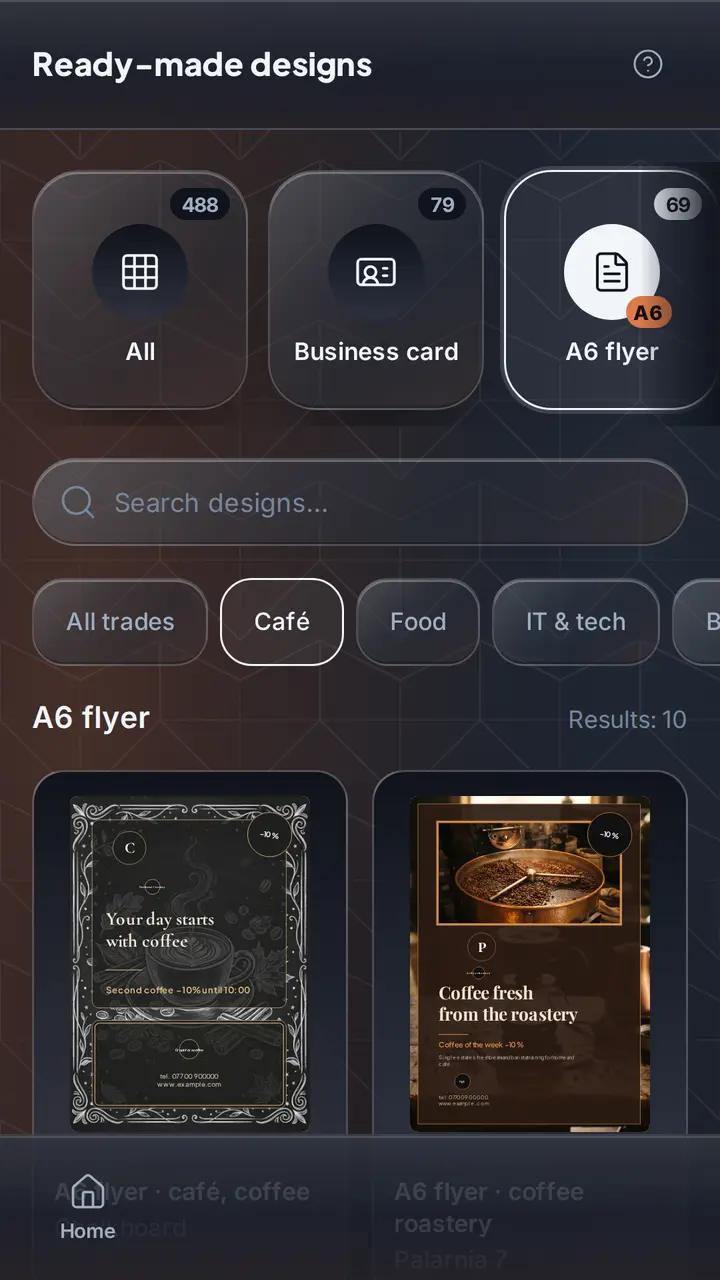
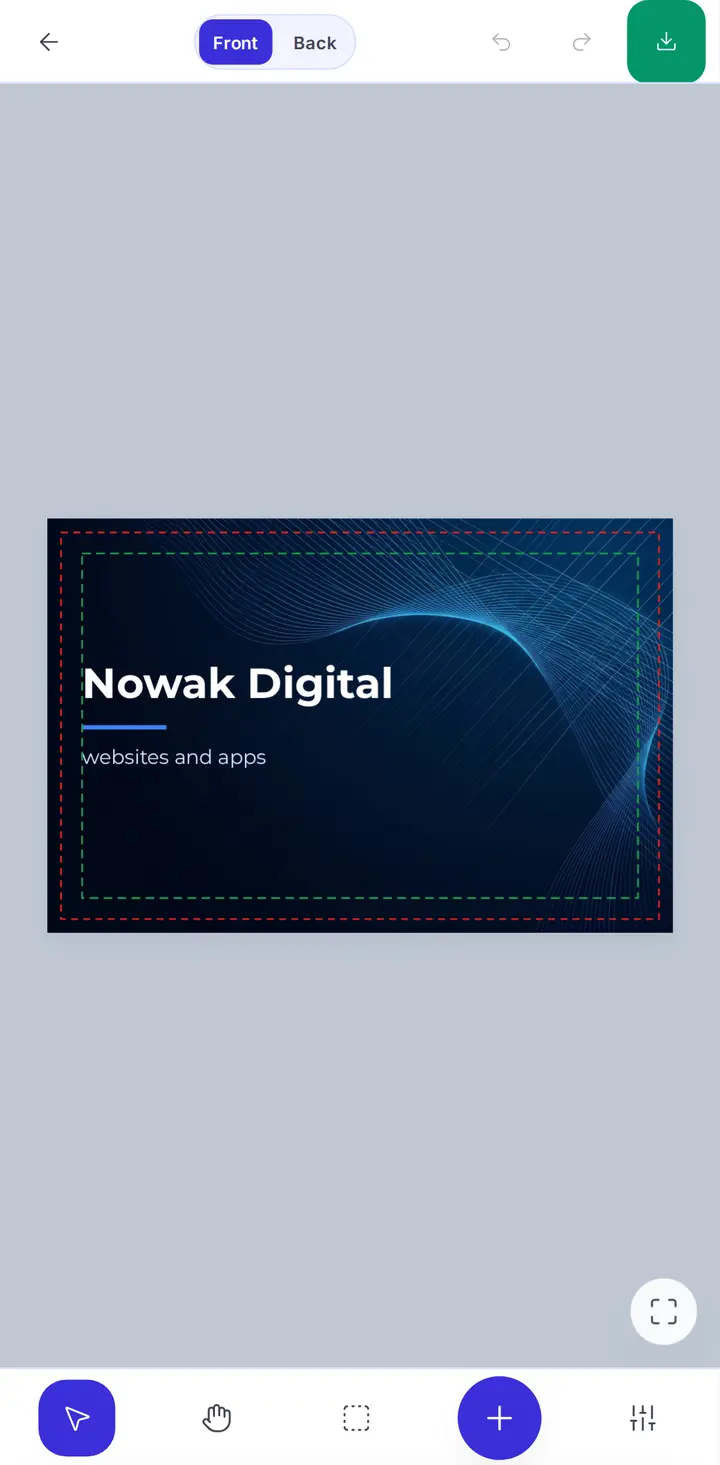
OlingoPrint has the A-series flyers, DL, door hangers, posters and label sizes already set, each with its bleed, safe area and, for door hangers and shaped labels, the cut line. You pick a template for your business, change the text and the photo, see the flyer in 3D, and export a PDF with bleed, crop marks, CMYK colour and outlined text, one page per side. Labels export with the cut path on its own layer. The free version adds a watermark; Pro removes it.
Upload that PDF to any online printer or take it to the print shop down the road, and it prints without a query.
Frequently asked questions
What is the standard flyer size in Australia?
A5 (148 × 210 mm) is the standard flyer for hand-outs and letterbox drops; A6 (105 × 148 mm) is the cheaper flyer, four to a sheet; A4 (210 × 297 mm) is the menu, price list and folded brochure. DL (99 × 210 mm) is the narrow flyer that fits a DL envelope and a brochure stand.
What size should a poster be?
A3 (297 × 420 mm) is the largest size most digital printers run in-house and the usual size for a shop window or a noticeboard. A2 (420 × 594 mm) and A1 (594 × 841 mm) are large-format posters printed on a different machine; ask the printer before designing.
How much bleed does a flyer need?
3 mm on every side, the same as a business card. An A5 flyer with bleed is 154 × 216 mm. Large-format posters often use 5 mm; check with the printer.
What resolution does a poster need?
300 dpi at final size for anything up to A3. Larger posters are viewed from further away, so 150 dpi at final size is normally fine for A2 and larger. Vector logos and text stay sharp at any size.
What are the common label sizes?
Rectangular 50 × 80 mm and 70 × 100 mm for jars and bottles, 100 × 150 mm for parcels, round 40 mm and 50 mm for lids and packaging seals. Die-cut stickers can be any shape; the file then needs a separate cut line.
What is the difference between die-cut and kiss-cut stickers?
Die-cut stickers are cut through the backing paper, so each sticker is its own piece. Kiss-cut stickers are cut only through the vinyl, so they stay on a sheet and peel off. Both need a cut path in the file and 1.5–3 mm of bleed outside it.
Why did the printer reject my flyer?
The five usual reasons: no bleed, text inside the trim margin, images below 300 dpi, RGB colours, and a font that was not embedded. A PDF exported with bleed, crop marks, CMYK and outlined text passes all five.